Contents: Removal ⇩ Installation ⇩
Removal
1. Remove the headlight switch. For more information, refer to Headlight Switch (86.65.09)
2. Remove the brake light switch. For more information, refer to Brake Light Switch (70.35.42)
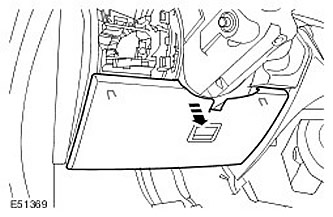
3. Remove the instrument panel access panel. Release the two clips.
4. Remove the brake pedal bracket.
- Release the wiring harness clamp.
- Remove four Torx bolts.
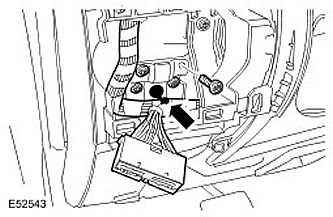
5. Remove the brake pedal pin. Remove the clamp.
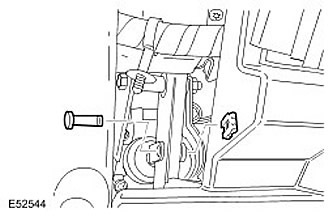
6. Remove the brake pedal. Unscrew the nut and remove the bolt.
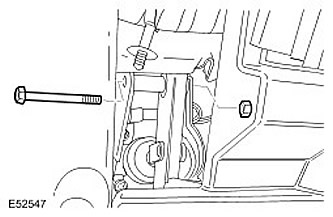
7.
NOTE: Do not perform further disassembly if the component is removed only for access.
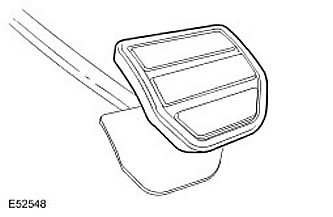
Remove the brake pedal cover.
Installation
1. Install the brake pedal pad.
2. Install the brake pedal.
- Clean the mating surfaces of the elements.
- Tighten the nut and bolt to 45 Nm.
3. Install the brake pedal pin. Install the clamp.
4. Install the brake pedal bracket.
- Tighten the Torx bolts to 10 Nm.
- Secure the wiring harness.
5. Install the instrument panel access panel. Secure with clamps.
6. Install the brake light switch. For more information, refer to Brake Light Switch (70.35.42)
7. Install the headlight switch. For more information, refer to Headlight Switch (86.65.09)
Comments on this article